
Views: 0 Author: Site Editor Publish Time: 2026-02-09 Origin: Site
Many people use a computer for several hours every day. Long hours of mouse use can cause wrist pain or discomfort. Some people even develop carpal tunnel syndrome, a condition that causes numbness, tingling, and pain in the hand and wrist.
An ergonomic mouse pad can help reduce pressure on your wrist and keep your hand in a natural position. A mouse pad with wrist support provides extra cushioning, which helps you work more comfortably for longer periods.
In this article, we will look at the best mouse pads for carpal tunnel, explain how ergonomic mouse pads work, and show you what to look for when choosing one.
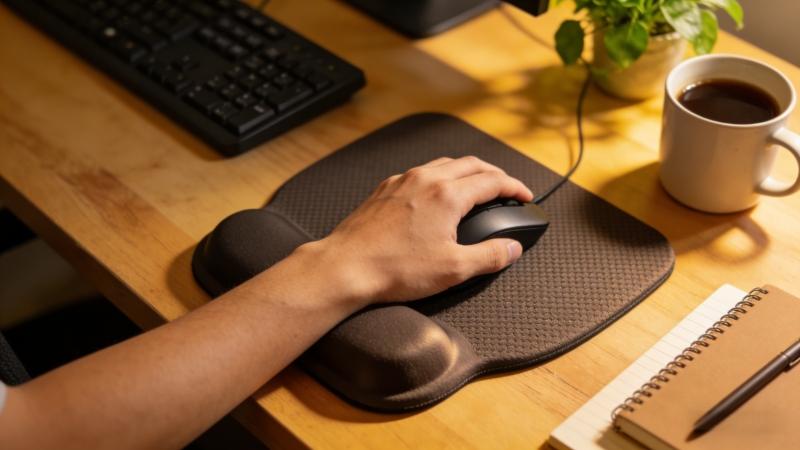
Here is a list of different models and items designed for ergonomic support. These options can help you choose the best mouse pad for carpal tunnel by comparing their features and benefits.
Type | Wrist Support | Best For |
|---|---|---|
Memory Foam Mouse Pad | Soft foam cushion | Long office work |
Gel Wrist Support Mouse Pad | Cooling gel | Daily computer use |
Large Desk Mouse Pad | Extended surface | Keyboard + mouse setup |
Gaming Ergonomic Mouse Pad | Smooth surface | Gaming and fast movement |
Natural Rubber Mouse Pad | Anti-slip base | Stable everyday use |
Note: Brands like Kensington offer ergonomic mouse pad models with gel padding and other features for enhanced comfort and support.
Soft memory foam wrist rest
Reduces pressure on the wrist
Comfortable for long hours of work
This product was evaluated for ergonomic comfort and support. Memory foam adapts to the shape of your wrist and helps keep it relaxed, offering a soft, supportive feel that enhances comfort during extended use.
Cooling gel cushion
Supports the wrist in a natural position
Good for daily office use
Gel pads stay cool and provide firm support. The gel surface is easy to clean with a damp cloth, making it simple to maintain hygiene.
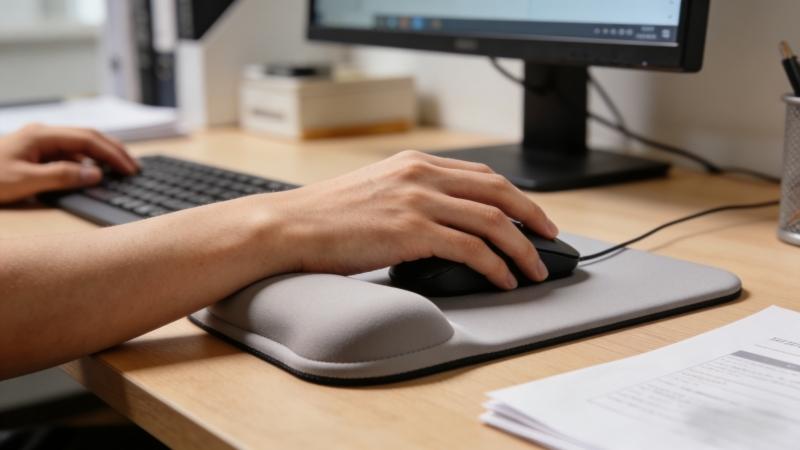
Large surface area
Space for keyboard and mouse
Natural rubber anti-slip base
This option is ideal for people who want more workspace on their desk. The large mouse pad supports a combination of keyboard and mouse, allowing users to easily reach all items on their desk without straining.
Rubber base prevents sliding
Stable during mouse movement
Good for both work and gaming
Non-slip base helps the mouse pad stand up to daily wear and tear
A non-slip base helps keep the mouse pad in place and stand up to daily use.
Smooth fabric surface
Accurate mouse tracking
Comfortable wrist support
Gamers often prefer smooth surfaces for fast and precise movements.
Soft and breathable surface
Reduces sweat during long use
Comfortable wrist cushion
This design helps keep your wrist cool while working, making it an excellent choice for those who live in hot or humid environments.
Small and lightweight design
Easy to carry
Good for small desks or laptops
A compact mouse pad is useful for travel or limited desk space.
Extra thick wrist support
Reduces wrist fatigue
Ideal for long computer sessions, with extra thick padding making extended use more comfortable
Thicker padding can provide better comfort for heavy computer users.
Made from natural rubber base
Anti-slip and durable
Environmentally friendly material
This product is eco-friendly and available at an affordable price.
Natural rubber provides stability and durability.
Custom logo or design
Available in different sizes
Suitable for offices or brands
Many companies use custom ergonomic mouse pads for office use or promotions. Additionally, these mouse pads can be customized with various materials and sizes to better suit individual ergonomic needs or branding preferences.
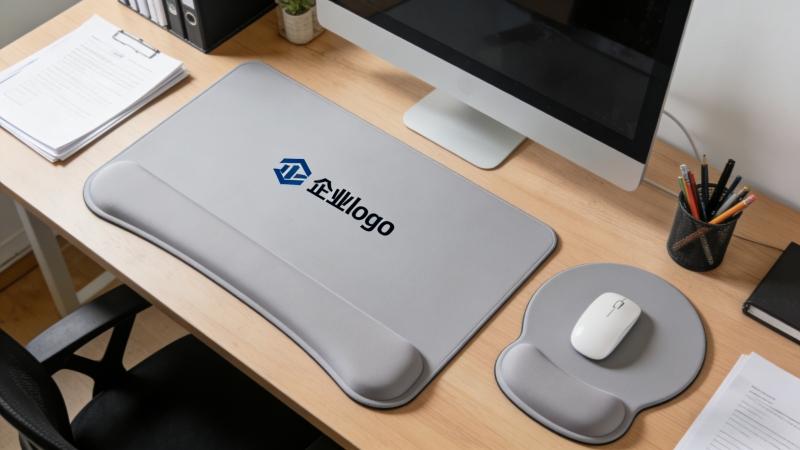
Ergonomic mouse pads are designed to support the wrist and reduce strain.
They help in three main ways:
1. Maintain a Natural Wrist Position: Ergonomic mouse pads help you achieve a natural wrist position for your hands by providing proper support and alignment.
2. Reduce Pressure on the Wrist: Soft padding spreads pressure more evenly across the wrist.
3. Improve Comfort During Long Use: Extra cushioning allows you to work longer without discomfort.
Incorporating wrist rests into your workspace can further reduce strain and provide additional support for your hands. These features are helpful for people who experience wrist fatigue or early symptoms of carpal tunnel.
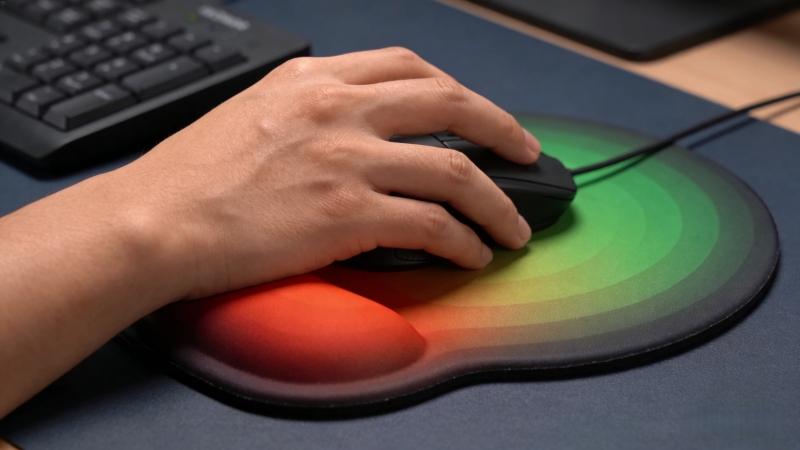
Choosing the right mouse pad depends on several factors. The search for the best ergonomic mouse pad for carpal tunnel can be overwhelming due to the many options available.
Memory Foam
Soft and flexible
Good pressure relief
Gel Support
Slightly firmer
Cooling effect
Both options provide ergonomic support.
A smooth fabric surface helps the mouse move easily and improves tracking accuracy. This is especially useful for designers, office workers, and gamers.
A non-slip rubber base prevents the mouse pad from sliding on the desk. This improves stability and control.
Mouse pads come in different sizes:
Standard size – good for regular office work
Large desk mat – supports both keyboard and mouse
Compact size – ideal for laptops or travel
Choose the size that fits your desk space and work style.
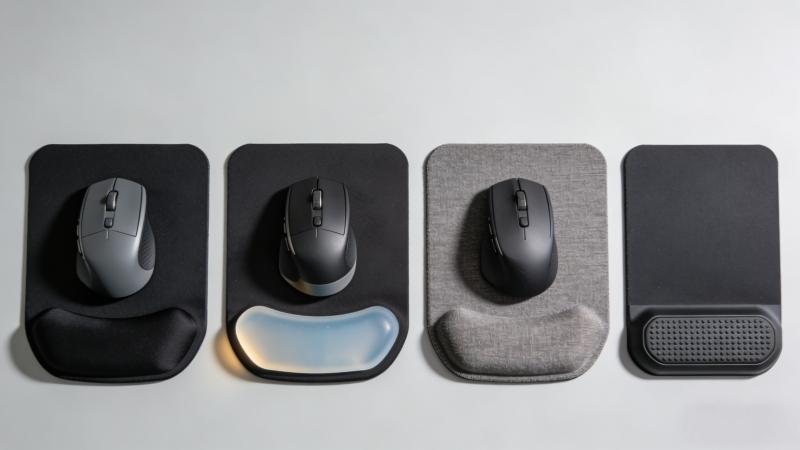
Ergonomic mouse pads and other ergonomic items are helpful for many types of users.
Office Workers: People who work at a computer all day benefit from wrist support.
Designers and Programmers: These professionals use a mouse for long periods and need better comfort.
Gamers: Gamers require both comfort and precise mouse movement.
People with Wrist Discomfort: Anyone experiencing wrist pain or fatigue may benefit from ergonomic support.
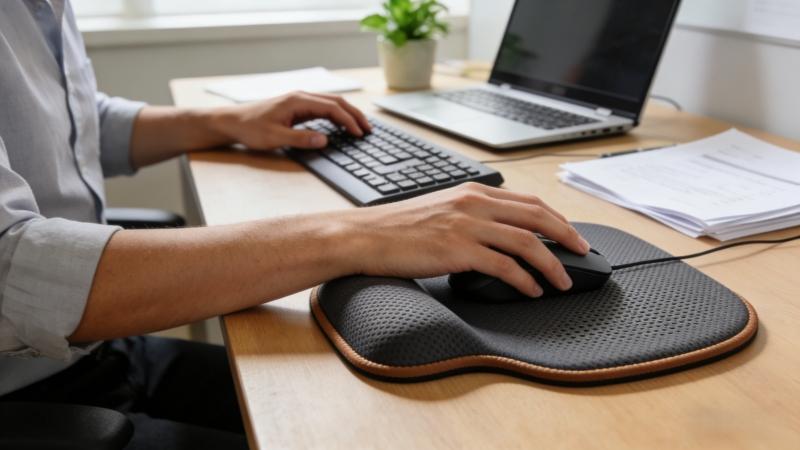
The best mouse pad for carpal tunnel usually has soft wrist support, such as memory foam or gel, and a stable rubber base.
Yes. Ergonomic mouse pads help keep the wrist in a natural position and reduce pressure during long computer use.
Both work well. Memory foam is softer, while gel support is firmer and often cooler.
A standard size works for most users. If you want more space, a large desk mat can support both the keyboard and mouse.
Choosing the right mouse pad can make a big difference in daily computer use. The best mouse pads for carpal tunnel provide proper wrist support, reduce pressure, and help keep your hand in a natural position. This can improve comfort and help prevent wrist fatigue during long hours of work or gaming.
When selecting an ergonomic mouse pad, consider important features such as wrist support material, surface fabric, base stability, and size. A well-designed ergonomic mouse pad can support your wrist, improve mouse control, and create a more comfortable workspace.
If you are looking for high-quality ergonomic mouse pads or custom wrist support mouse pads for your brand or business, you can explore more options at FDMat. As a professional manufacturer of natural rubber mouse pads, they offer OEM and custom ergonomic mouse pads with various sizes, materials, and designs.
Visit www.fdmat.com to learn more about ergonomic mouse pad solutions, or contact the team to discuss your customization and bulk order needs.
At the end of this review, you should feel confident in selecting the best mouse pad for carpal tunnel.


