
Views: 0 Author: Amenda Publish Time: 2026-01-28 Origin: FDMAT
Putting a picture on a mousepad is a simple way to create a personalized desk item, such as a picture mouse pad, which serves as a practical and sentimental gift for any occasion. Whether you want a photo, artwork, or logo, this guide explains how a picture is printed on a mousepad and how to get the best result. In addition to a branded gift, a custom mouse pad or personalized mouse pad offers options for making unique and meaningful items. Making a custom mouse pad typically involves uploading your chosen image, selecting materials, and customizing features, resulting in a practical accessory for everyday use and a thoughtful gift for special occasions.
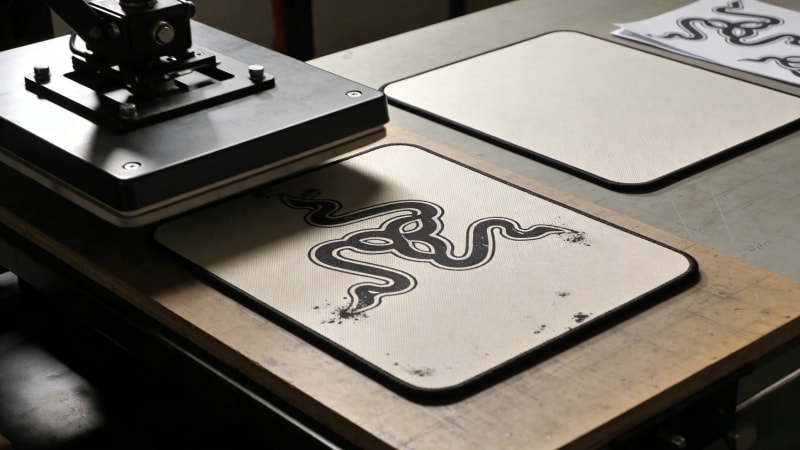
Before starting, prepare the following:
A clear picture or design file
A mousepad with a fabric surface (choose quality materials and a non-slip rubber base for stability)
A printing method (DIY or factory printing)
When selecting a mousepad for printing, look for key features such as durable materials, a high-quality fabric surface, and a slip rubber base to ensure stability and long-lasting use.
Most professional custom mousepads use a fabric surface with a natural rubber base. This structure allows pictures to be printed clearly and keeps the mousepad durable and non-slip. At FDMat, this type of mousepad is widely used for custom printing projects.
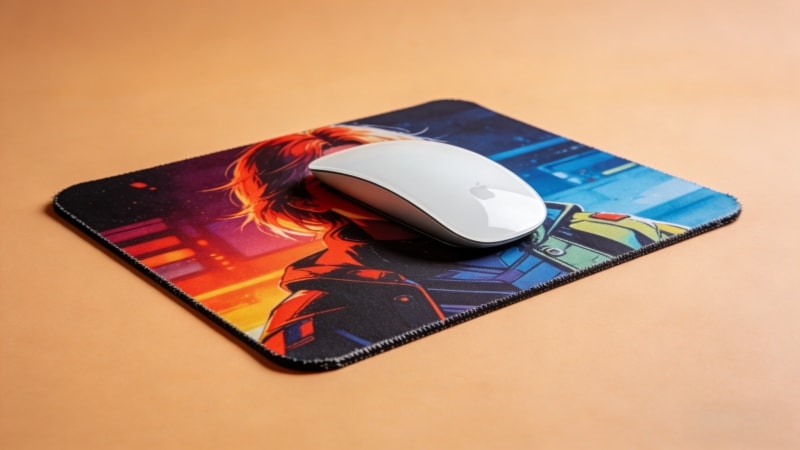
Image quality is very important. A low-quality picture will look blurry after printing.
Use high-resolution images
Avoid screenshots or heavily compressed files
Make sure the picture matches the mousepad size
A clear image ensures sharp details when printed on the mousepad.
Both color and black-and-white pictures can work well.
Color pictures are suitable for photos and artwork
Black-and-white designs work best with strong contrast
Avoid light gray details that may not show clearly
Simple designs usually give better printing results.
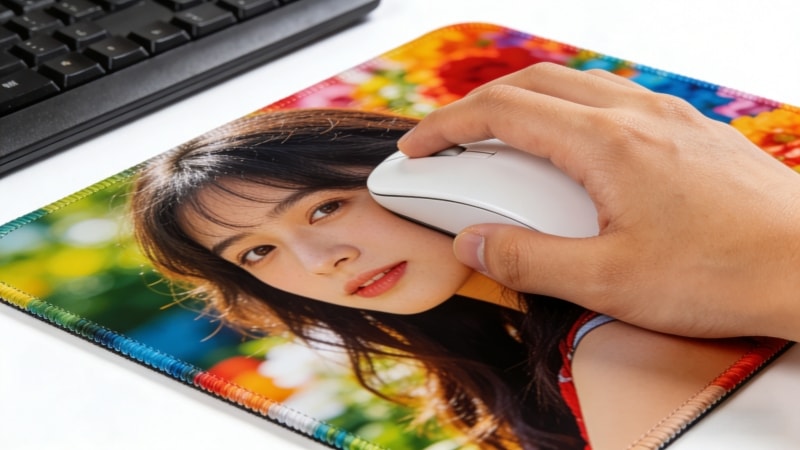
The most common method is sublimation printing.
Before printing, you can preview your design to ensure you are satisfied with how your picture will look on the mousepad.
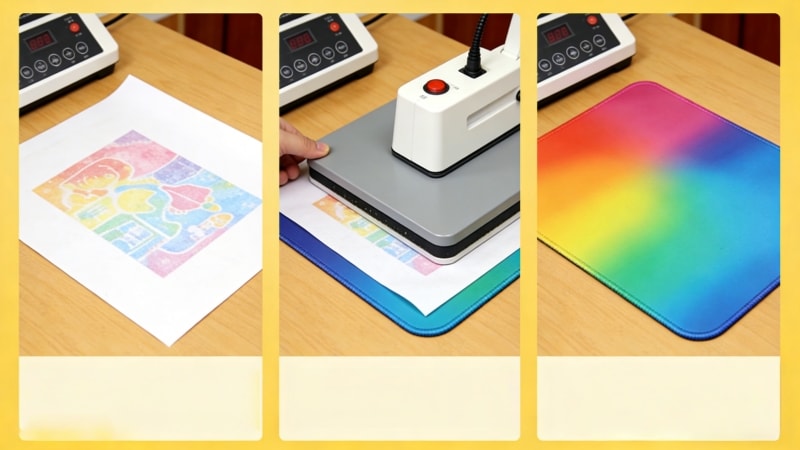
In sublimation printing:
The picture is printed on special transfer paper
Heat transfers the ink into the fabric surface
The image becomes part of the fabric, not a surface layer
This method allows for vibrant, full color printing, keeping images crisp and bright while helping prevent fading. Fabric mousepads with rubber bases are ideal for this process. FDMat focuses on this printing method for custom mousepads with pictures.
This process ensures the functionality of the mousepad, making it comfortable, durable, and suitable for daily use.
Check the resolution, size, and layout of your image file. You may need to upload your image to the design platform to ensure it meets the requirements. Make sure important parts are not too close to the edges. If the printing service provides templates or proofs, you can download them to check your design before finalizing your picture on a mousepad.
Resize the picture to match the mousepad shape. Leave ample space around the edges for trimming or edge stitching.
The picture is printed onto transfer paper using sublimation ink.
Heat and pressure transfer the picture onto the mousepad fabric. The mousepad is then cooled and finished.
Check color, clarity, and alignment before packing, and only proceed if you are satisfied with the result.
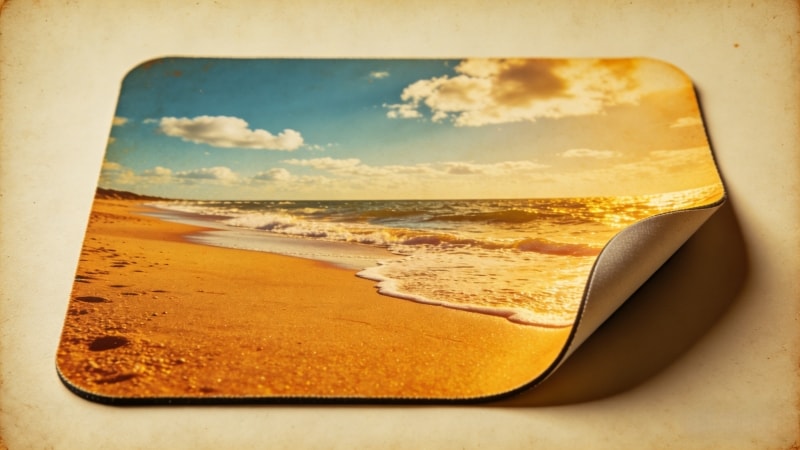
Many printing problems come from simple mistakes:
Using low-resolution images
Ignoring color differences between screen and print
Placing key details too close to the edge
Choosing the wrong mousepad material
Forgetting to add text or custom text, or not checking its placement before printing
Fabric mousepads with rubber bases reduce most of these risks.
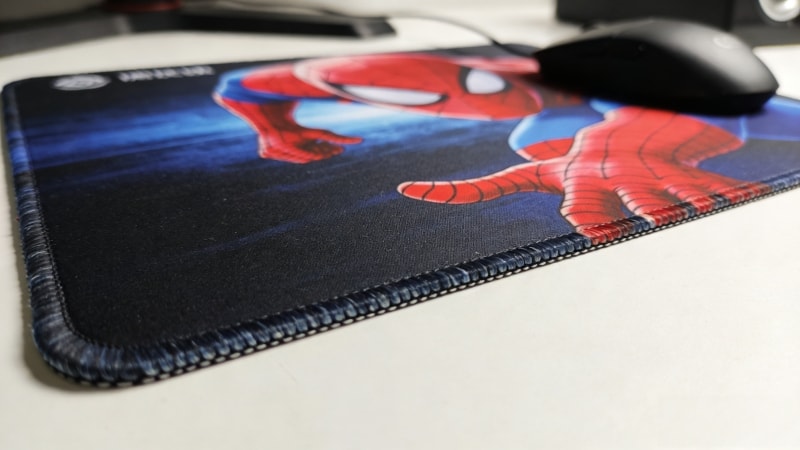
Option | Suitable For | Limitations |
|---|---|---|
DIY Printing | Small personal use | Inconsistent quality |
Factory Printing | Bulk orders and branding | MOQ required |
DIY methods may work for one or two mousepads, but factory printing provides stable quality, accurate colors, and better durability. Customers often compare price and quality when deciding between DIY and factory printing, and customer feedback shows that factory-printed mousepads are generally more reliable for bulk orders. Factory-direct suppliers like FDMat support custom mousepads with pictures for wholesale and OEM needs.
The best mousepads for picture printing usually have:
A smooth fabric surface
A natural rubber anti-slip base
Optional stitched edges for durability
The right mouse pad combines quality materials and style for the best results. Thickness and size can be chosen based on use, such as office desks, gaming setups, or promotional giveaways. A custom mouse or photo mouse pad can be tailored to your preferences, allowing you to create a unique desk accessory. Customized mouse pads and customizable mouse pads offer a range of materials and styles to suit any workspace, making them ideal for both personal and professional use. FDMat provides both blank and custom mousepads designed for clear picture printing.
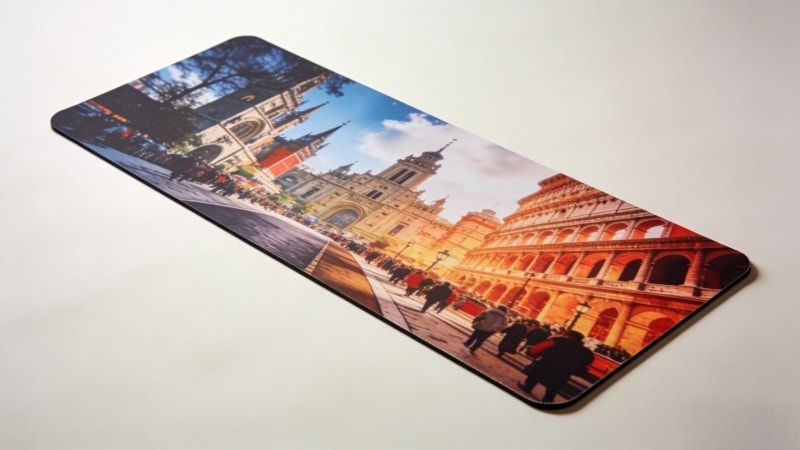
High-resolution images work best. Clear details give better results.
Yes. High-contrast black-and-white designs print very well.
With proper sublimation printing, fading is minimal during normal use.
Factories usually require a minimum order quantity for custom projects.
If you want to print pictures on mousepads for branding, gifts, or bulk orders, factory printing is the most reliable solution. With FDMat, you can create a beautiful photo mouse pad using your favorite photos or even a collage for a truly unique look. We offer factory-direct custom mousepad services with professional printing, flexible sizes, and stable quality control. You can also customize your custom mouse or personalized mouse with custom text and unique designs to make your mousepad stand out.
Visit www.fdmat.com or contact us to discuss your custom mousepad project and receive a quick quotation.


